200W 32000lm 4000K UGR19 DALI Mildbeam -sarjan LED-korkeasäteilijä urheiluun
303,80 € −35%
197,47 €

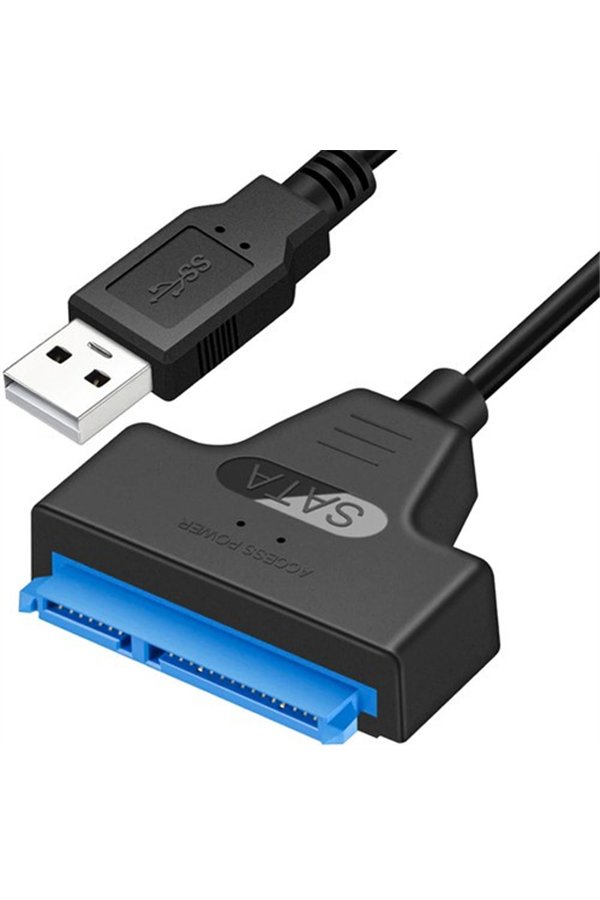
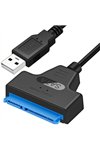
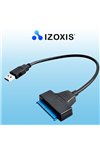
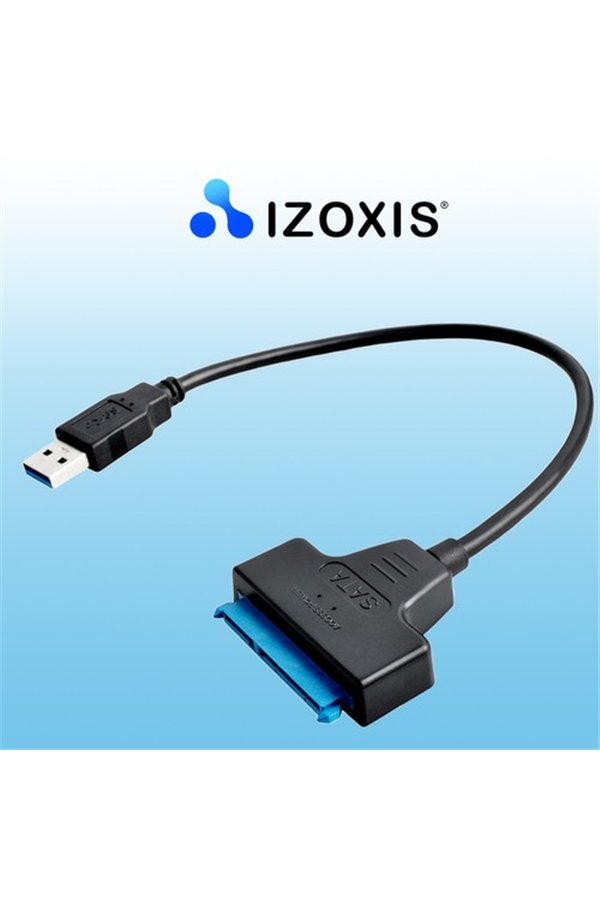
ADAPTER SPECIFICATION:
The USB to SATA 3.0 adapter is a must-have tool for anyone who frequently works with HDDs and SSDs. Its ease of use, high transfer speeds, and wide compatibility make it an ideal solution for data transfer, disk cloning, data recovery, and disk testing. Thanks to its compact design and Plug and Play function, the adapter is convenient to use both at home and at work.
PRODUCER:
ISO TRADE Spółka z o.o.
Gniewomierz 173
59-241 Legnickie Pole, Polska
office@iso-trade.biz
RESPONSIBLE PERSON IN THE EU:
ISO TRADE Spółka z o.o.
Gniewomierz 173
59-241 Legnickie Pole, Polska
office@iso-trade.biz
WARNING CONTENT:
1. Make sure the USB to SATA 3.0 adapter is compatible with your hard drive or other SATA device.
2. Connect the adapter to your computer according to the manufacturer's instructions. Make sure your computer and adapter are turned off before
you connect or disconnect a SATA device.
3. Make sure the USB port is providing enough power for the SATA device to function properly.
4. Before disconnecting the SATA device from the adapter, make sure that all write and read operations have been completed. Press
the appropriate button in the operating system or wait until the system has finished working with the device before disconnecting it. Sudden
Disconnecting the device may result in data loss or disk damage.
5. Make sure your device is protected with appropriate antivirus and anti-malware software. Connecting
external devices to your computer always carries a risk of infecting your computer with malware.
Tietolomake